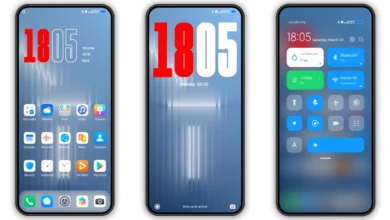
TOP VK HyperOS Theme for Xiaomi and Redmi Phones
Hi Xiaomi and Redmi fans, today I’m sharing a new HyperOS theme TOP VK for your Xiaomi phones. This HyperOS theme can change the look of your Xiaomi, Redmi and POCO phones, personalize your phones with awesome look and make it different with others.
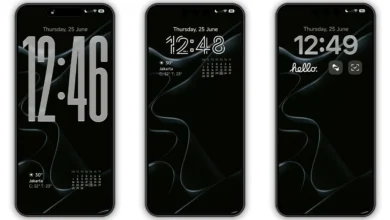
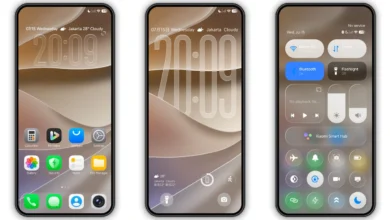
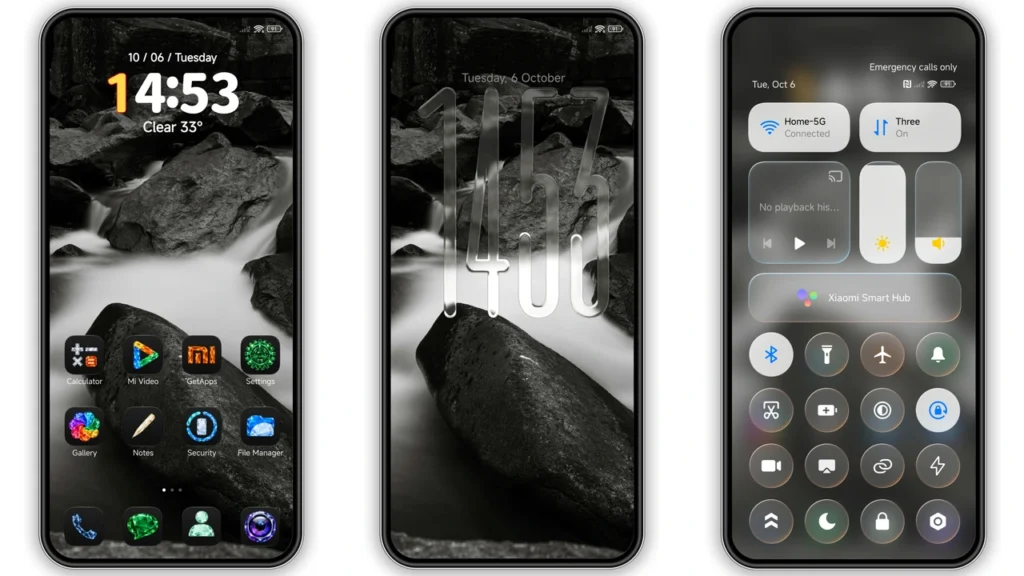
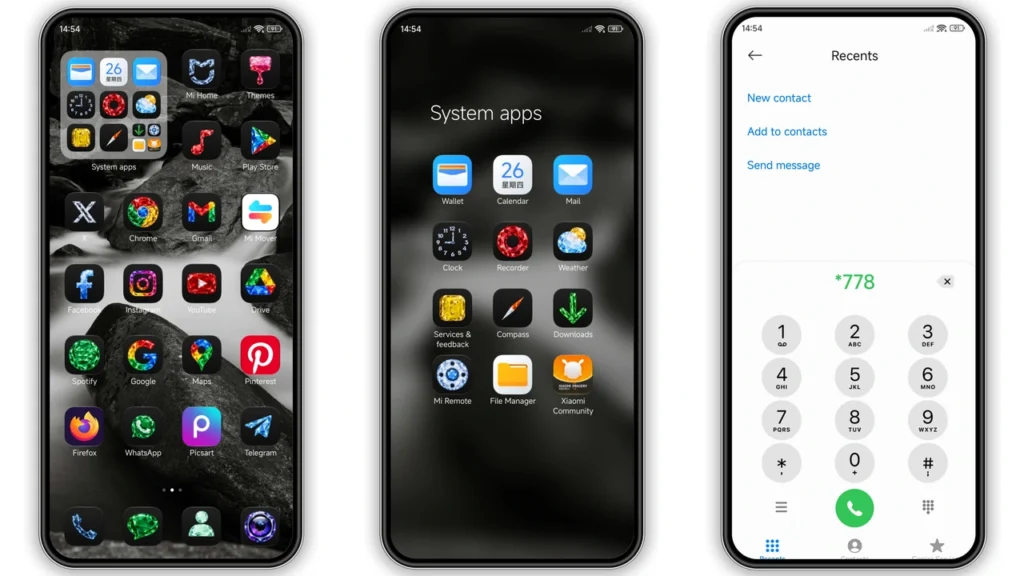
TOP VK brings a dark, elegant look to your Xiaomi, Redmi or POCO phone. Vivid crystal icons stand out against a black and white waterfall wallpaper, while the dynamic lock screen shows a transparent glass clock. Frosted control center panels and tidy system folders keep every screen clean and premium.
TOP VK HyperOS theme is an attractive theme for your Xiaomi and Redmi phones. It brings you the new well designed icons, fresh wallpapers, new status bar, cool lock screen, stylish Always-on Display and many other great changes which you’ll love using it on your smartphone. This Xiaomi theme is completely free to use, so just download and apply it making a good feeling everyday.
TOP VK HyperOS theme is compatible with HyperOS and works on Xiaomi, Redmi and POCO smartphones. If you like to try new themes on your smartphone and want a different look over your stock themes, then just download the TOP VK HyperOS theme and share it to others.
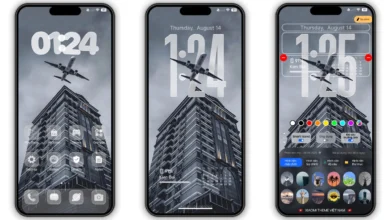
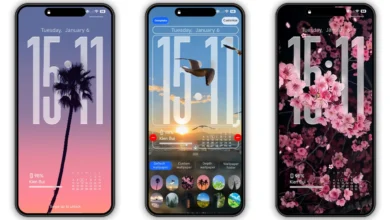
TOP VK HyperOS Theme Preview
TOP VK Theme Details
- Theme Size: 31.82 MB
- Designer: VK
- Region/Server: Global
- Compatibility: HyperOS | HyperOS 2.0 | HyperOS 3.0
- Features: Black, Crystal iOS icon, Dynamic lock screen
Theme’s description:
COPYRIGHT & USAGE NOTICE
© 2026 VK Themes. All Rights Reserved.
This is a fully custom-designed theme, including its visual design, interface elements, styling, and other creative components. All original creative work associated with this theme is protected by applicable copyright laws.
Without prior permission from the original creator, it is strictly prohibited to copy, reproduce, modify, re-upload, redistribute, share, resell, or publish this theme, in whole or in part, on any platform or service.
Unauthorized use or distribution may result in a copyright complaint and a request for removal of the infringing content, as well as other action available under applicable law.
Please respect the creator’s work and use this theme only as permitted.
Unauthorized copying or redistribution is not permitted.
Official Telegram Channel: @vkmiuithemes
Download

You may also like: Best HyperOS Theme You Should Try [2026]
How to Apply HyerOS and MIUI Themes [Stock Roms]
If you have HyerOS or MIUI Global Stable ROM(Stock ROM) running on your device, please follow this instruction to install and apply the theme.
- Open this page with Firefox browser.
- Click the “Official Theme Store Link” in the download area.
- This will open a xiaomi theme page in Chinese language, then open the 3 dots in the right corner, select “Open in app“.
- It will open the Theme Store APP “Themes Store” to download the theme.
- Download and Apply the theme.
If you have MIUI 14 ROM, please follow this instruction to install and apply the theme.
Note: If the “Official Theme Store Link” does not work then please open this page in Chrome Browser or the Default Xiaomi Browser and try again, the other browsers may not work.
How to Apply HyerOS and MIUI Themes on [Custom ROMs]
If you have any MIUI 11, 12, 13, 14 or HyperOS based custom ROMs like Xiaomi EU ROM, MIUIRoom and others, you can install MIUI theme with MTZ file.
- Download the mtz theme file from the download link.
- Open the Theme Store APP and tap to Themes option.
- Swipe to bottom and click Import.
- Import the xxx.mtz file just downloaded.
- Apply the theme.